Technology / Design Guide / 01
Density
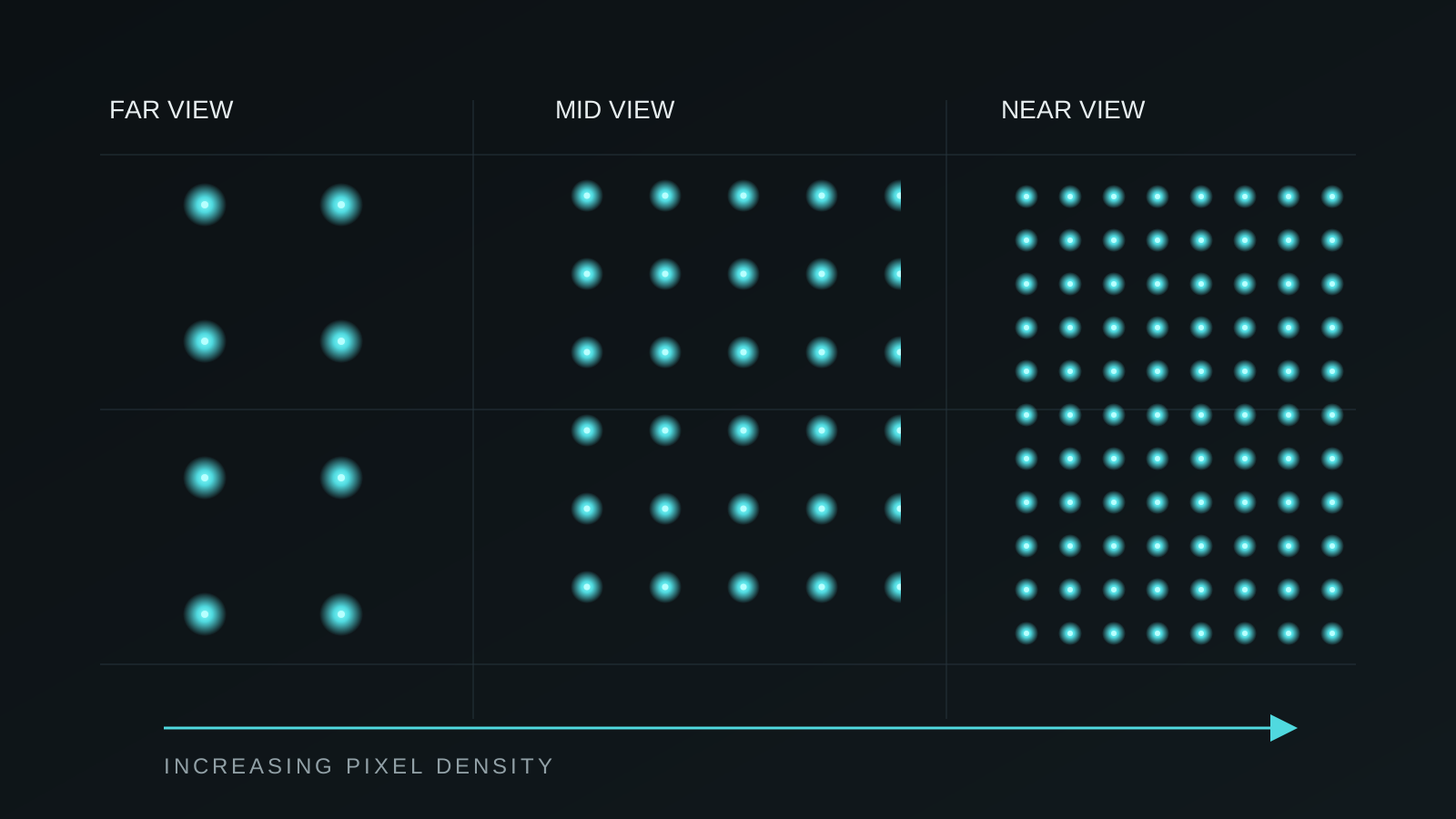
Choose pixel spacing by viewing distance, spatial scale and the kind of image the audience needs to perceive.
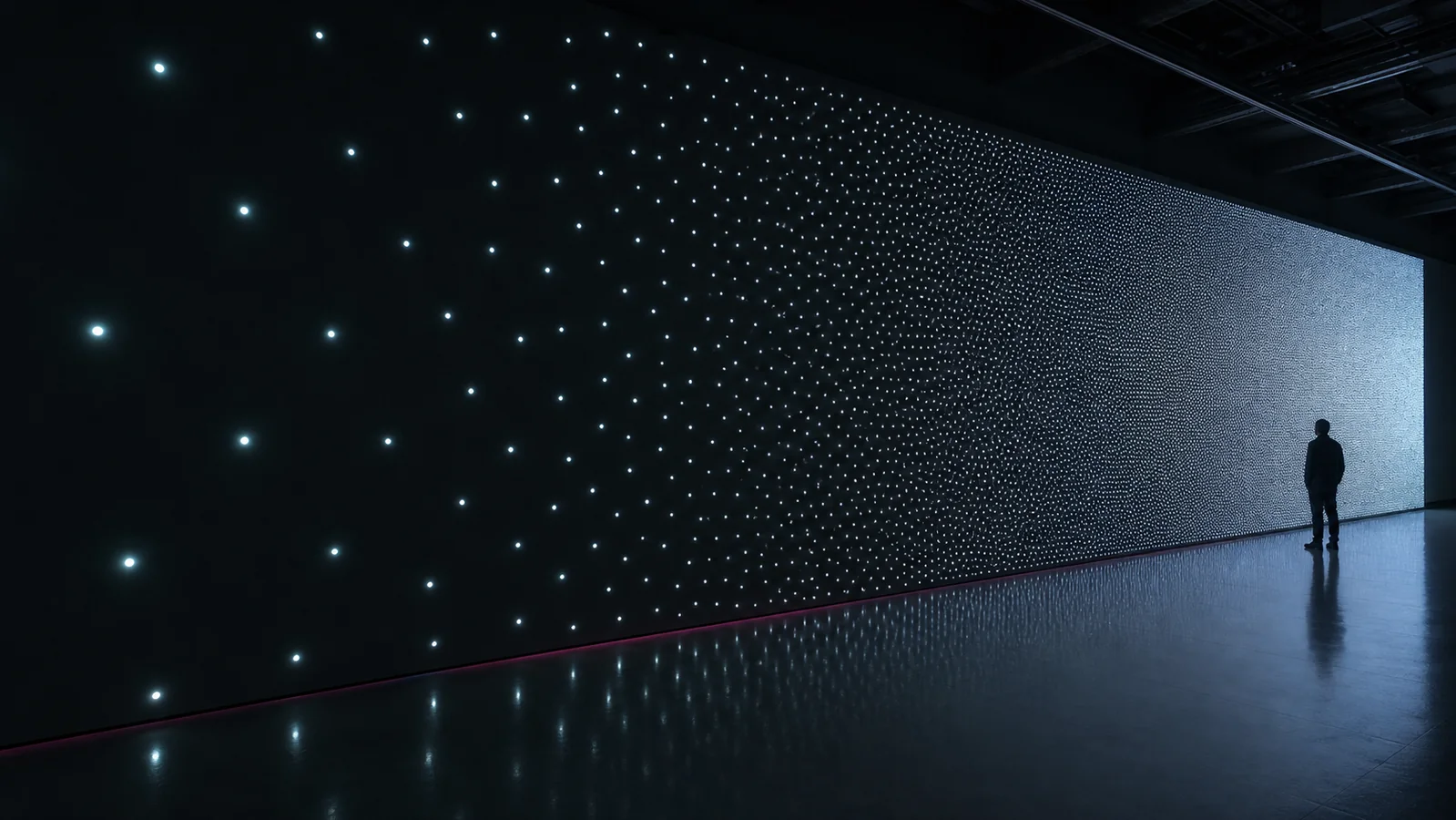
Definition
Density describes how closely spatial elements are placed and how much visual information the audience can perceive from a given distance.
Core principle
More pixels are not automatically better. The right density preserves the idea while controlling cost, brightness and complexity.
Questions to ask
- How close will the audience come?
- Should they perceive an image, a texture or individual points?
- Which viewpoints matter most?
- How large is the active volume?
Recommended approach
- Begin with the intended perception, not a pixel count.
- Test the nearest and primary viewing distances.
- Increase density only where detail changes the experience.
- Use lower-density zones where scale and atmosphere matter more.
Common pitfalls
- Selecting density from a specification sheet alone
- Ignoring side views and changing audience distance
- Using high density where brightness and structure become distracting
Related systems
- Spatial Matrix
- ViperFlex
- Spatial Bar
- Pixel Engine A16
Next step